Geometry Dash 字体生成器
Create arcade pixel text effects inspired by Geometry Dash
About Geometry Dash Font Generator
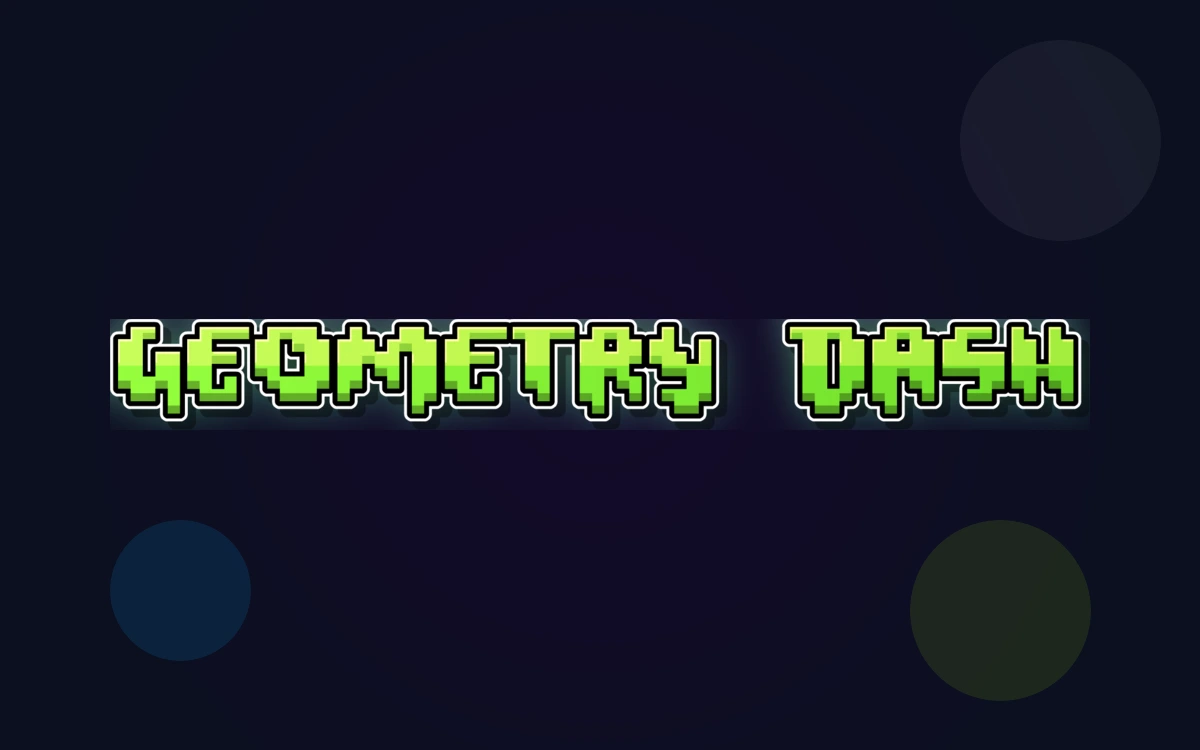
Neon pixel styling inspired by Geometry Dash
Geometry Dash is known for its bold, blocky title lettering and playful bubble-style UI text. The logo style is commonly associated with the Oxygene 1 pixel font, while in-game bubble text is often matched with Pusab. This generator brings that high-contrast, neon arcade vibe to your own banners, thumbnails, and game-themed graphics.
使用的字体
Oxygene 1
主字体
Pusab
辅助字体
字体生成工具
相关主题
The Life Of A Showgirl Font
Create sophisticated text effects with Gazzetta Slanted typography inspired by theatrical performance and artistic elegance
Toy Story Font
Create Toy Story style title text with Willy (TOY) and Rumble (STORY) replica fonts
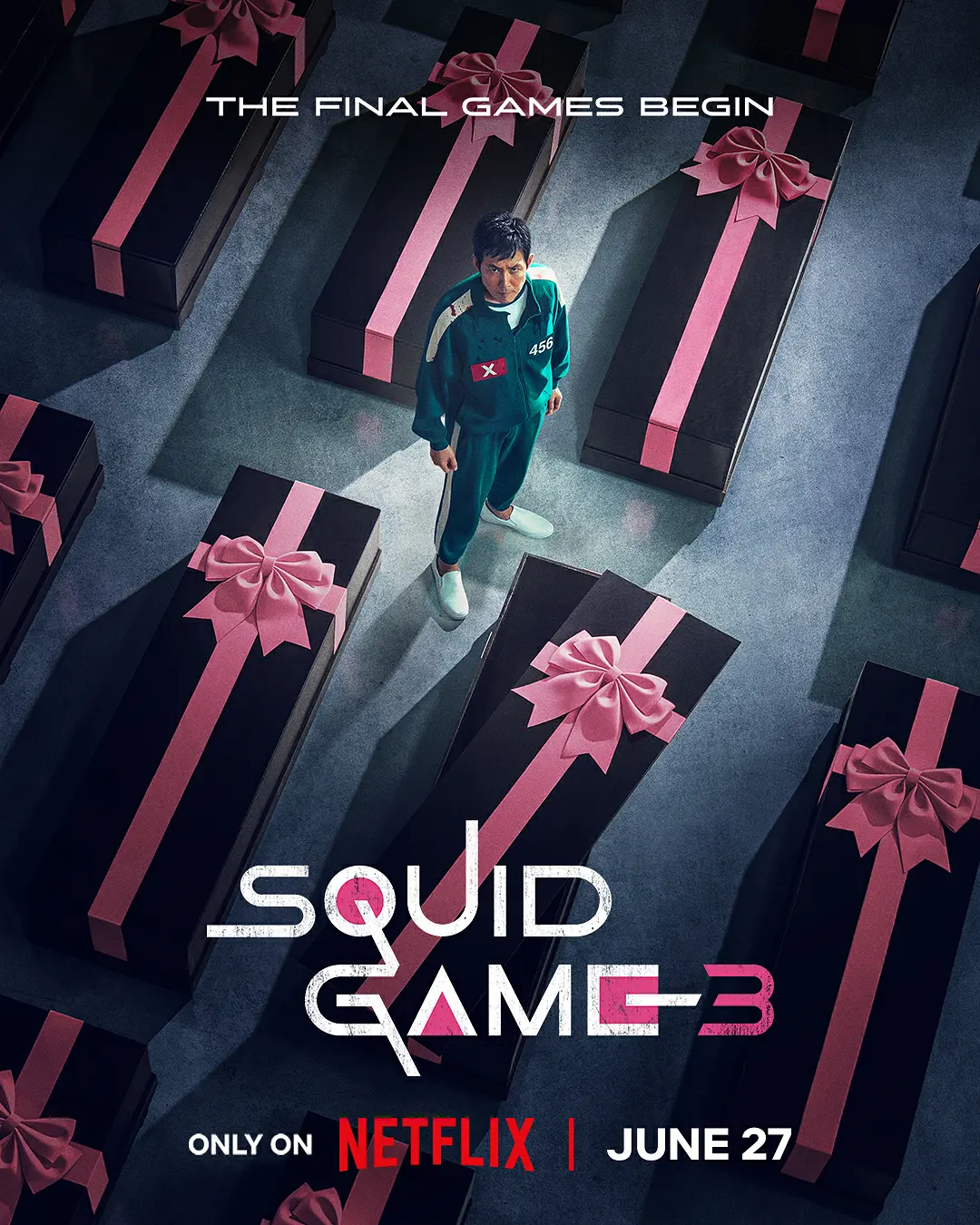
Squid Game Font
Create text effects with authentic Squid Game poster fonts
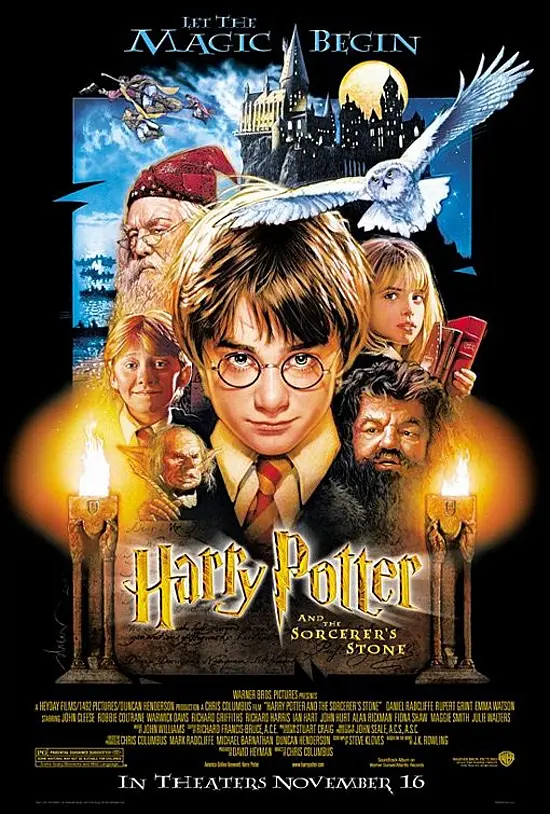
Harry Potter Font
Create magical text effects with authentic Harry Potter movie fonts
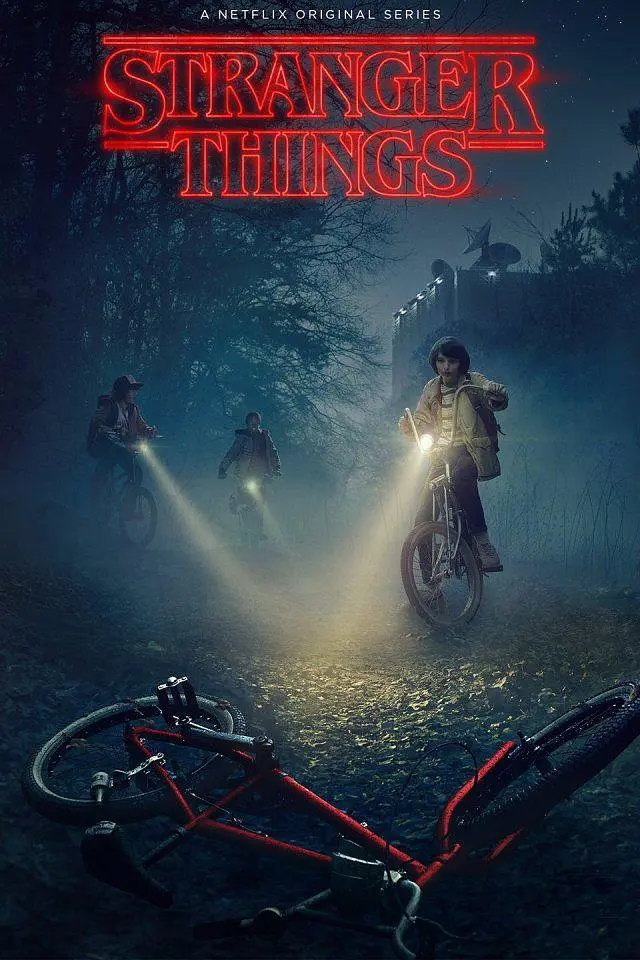
Stranger Things Font
Create retro 80s text effects with authentic Stranger Things style
How to Create Geometry Dash Text
Follow these steps to build sharp, neon arcade text effects.
Frequently Asked Questions
Is this an official Geometry Dash font?+
This tool recreates the visual style inspired by Geometry Dash fonts. It is not an official font released by the game.
What text looks best in this style?+
Short, bold phrases and level names work best. The pixel style is most readable at larger sizes with strong contrast.
Can I use this for YouTube thumbnails?+
Yes. The presets are tuned for high-contrast, thumbnail-friendly text that stays readable at small sizes.
Why do I see fallback fonts?+
If the Geometry Dash fonts are not installed in /public/fonts/geometry-dash, the generator falls back to system fonts.